Skip to content

For property managers.Re-letting at any size.

Buildings, units and inquiries in one place, and Lior does the work around every re-letting.

One free unit goes through Lior.Follow it.

Buildings and units under one address.

01Projects

One address, every unit.

Buildings and units sit under one address, with the status and the price of every unit.

Example: The new-build project Lindenpark is created, its units are in the price list, and one flat is set to reserved. The overview shows the sales status per unit, and the project page goes online with one click.
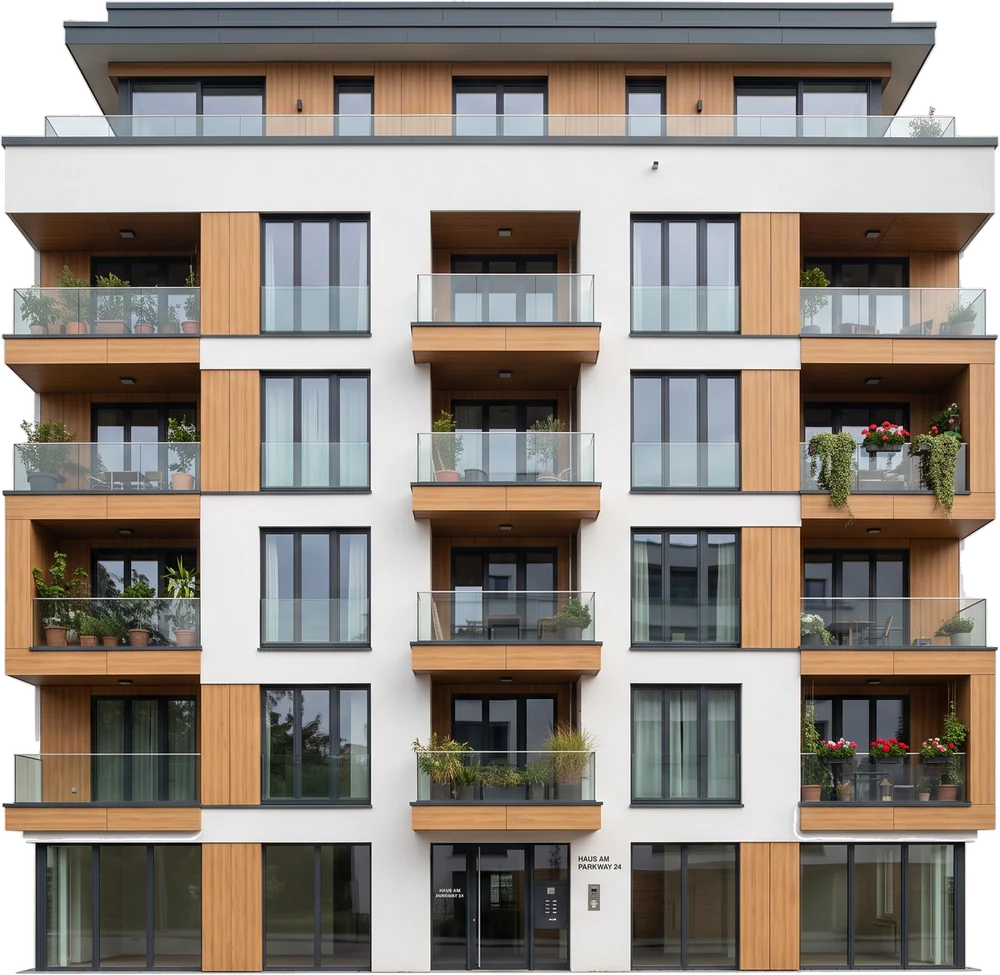
A unit is free. It is listed.

02Marketing

One listing, and the marketing runs.

Lior puts it on athaus.ai, shows it to matching searchers and writes the exposé text.

  • Its own pageEvery listing on athaus.ai, no fee per property.
  • Search profilesMatching searchers get your property suggested.
  • Exposé with a gateAddress and documents only after confirmation, with proof.
  • Report for the ownerOne link with inquiries, viewings and demand.

Example: the listing Old-build flat on Chamissoplatz goes live on athaus.ai with one click. Lior shows three contacts whose search profile matches; three mails with the exposé wait for your approval. After your yes they go out, and you see who reads: Mara K. is in the exposé right now, Tobias G. read the floor plan, Fatma Y. confirmed the terms and booked a viewing.

The portals answer.

03Portals

Every portal in one inbox.

Inquiries from ImmoScout24, Immowelt and Kleinanzeigen land in the same inbox as your mail.

Example: Enquiries from ImmoScout24, Kleinanzeigen and Immowelt arrive as mails in your mailbox, each with the mark of its portal. Lior reads the name and the message and finds the property. One click turns it into an enquiry, and the reply goes out by mail like for any other enquiry.

Replies are drafted before you read.

04Inquiries

The reply is ready before you read the inquiry.

Lior checks the documents and suggests two viewing times. You read it over and send.

Example: Petra S. asks via ImmoScout24 whether the flat is still available. Lior sees that financing and timing are missing and writes the reply with two free times. You click Send and the mail goes out from your mailbox. Petra books a time on the page, without an account, and the viewing appears in Google Calendar.

Who else is looking? One sentence.

05Lists

One sentence, and the list is there.

Say who you are looking for. Lior sorts your contacts by area, status and budget.

Example: you write Lior one sentence, Make me a list of everyone interested in Kreuzberg. Lior saves the list, it fills itself and shows three people. When a new contact from Kreuzberg arrives, it appears in the list on its own. Through the list menu you export it as a CSV file.

And the next unit is let.

Your next re-letting can take this path.